Open → Share → Add
Open RoosterBib in Safari, tap the Share icon, then choose Add to Home Screen.
Good food. Good people. Closer to home.
RoosterBib / 1977
Food & Community
Forge Store begins the installation journey. Your phone completes installation securely on RoosterBib's authorized domain.
Good food. Good people. Closer to home.
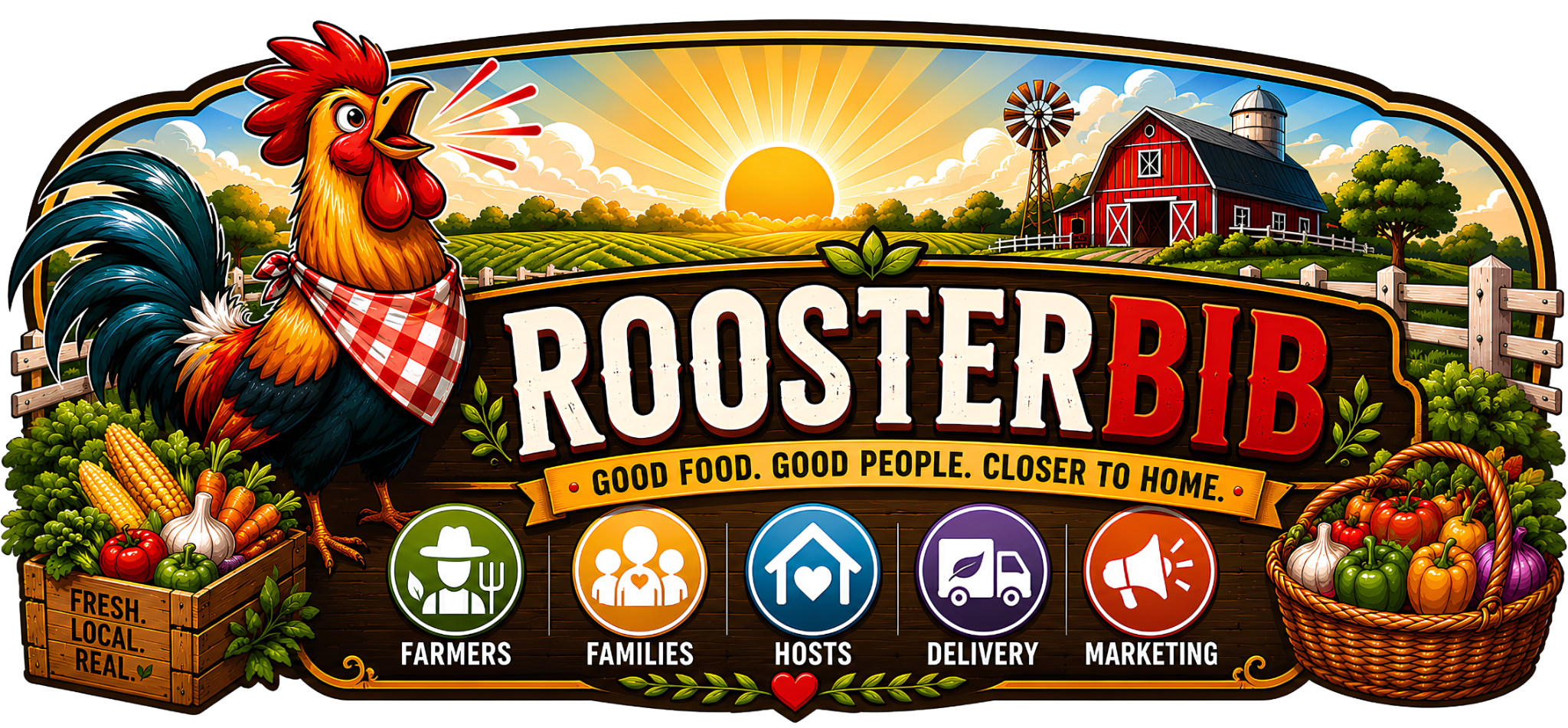
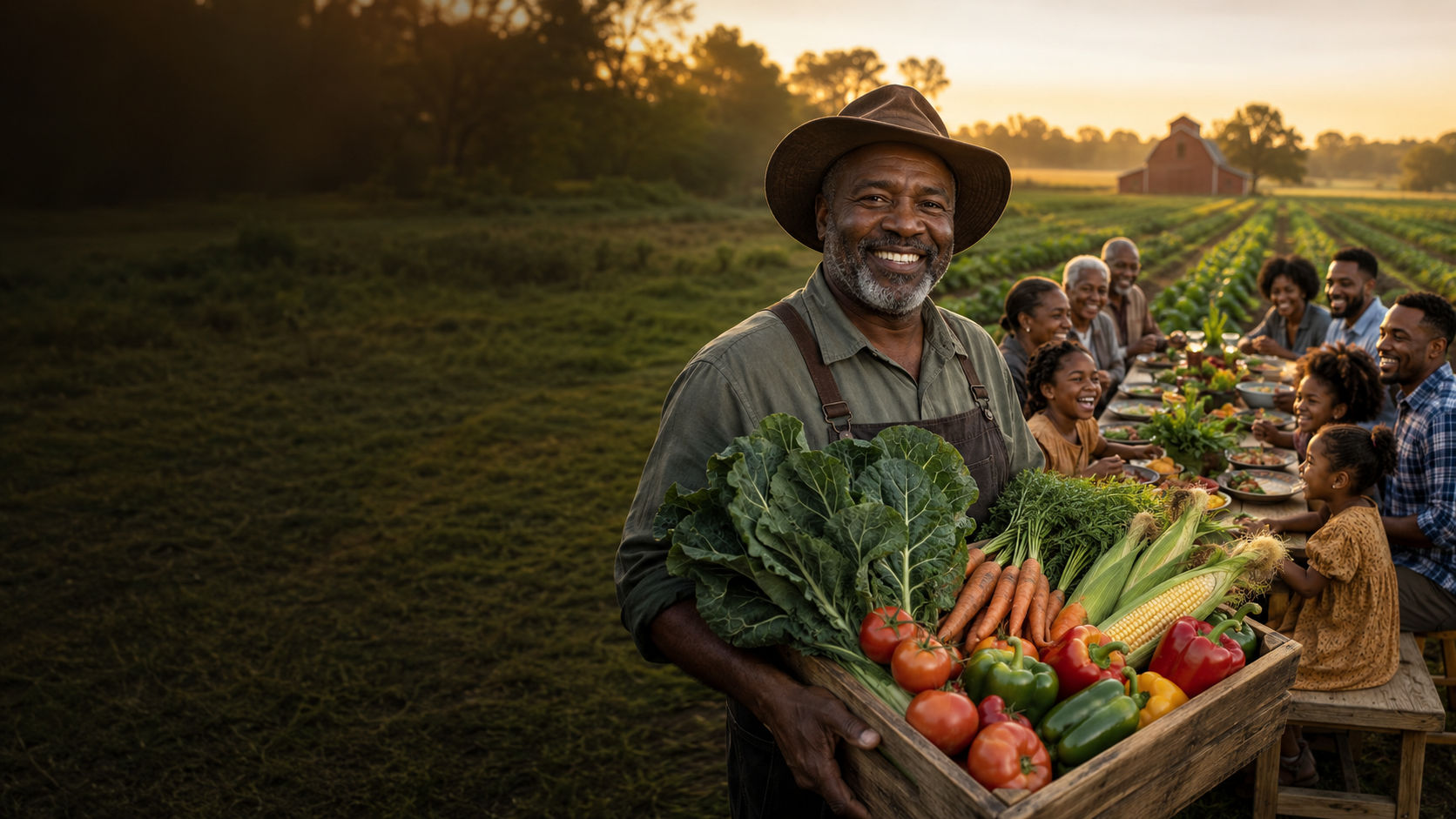
LiveRoosterBibRoosterBib is a farm-to-family food network connecting local farmers, families, community pickup Hosts, delivery partners and neighborhood markets through one trusted marketplace.
Open RoosterBib in Safari, tap the Share icon, then choose Add to Home Screen.
Open RoosterBib in Chrome and tap Install. If needed, use Chrome's ⋮ menu.